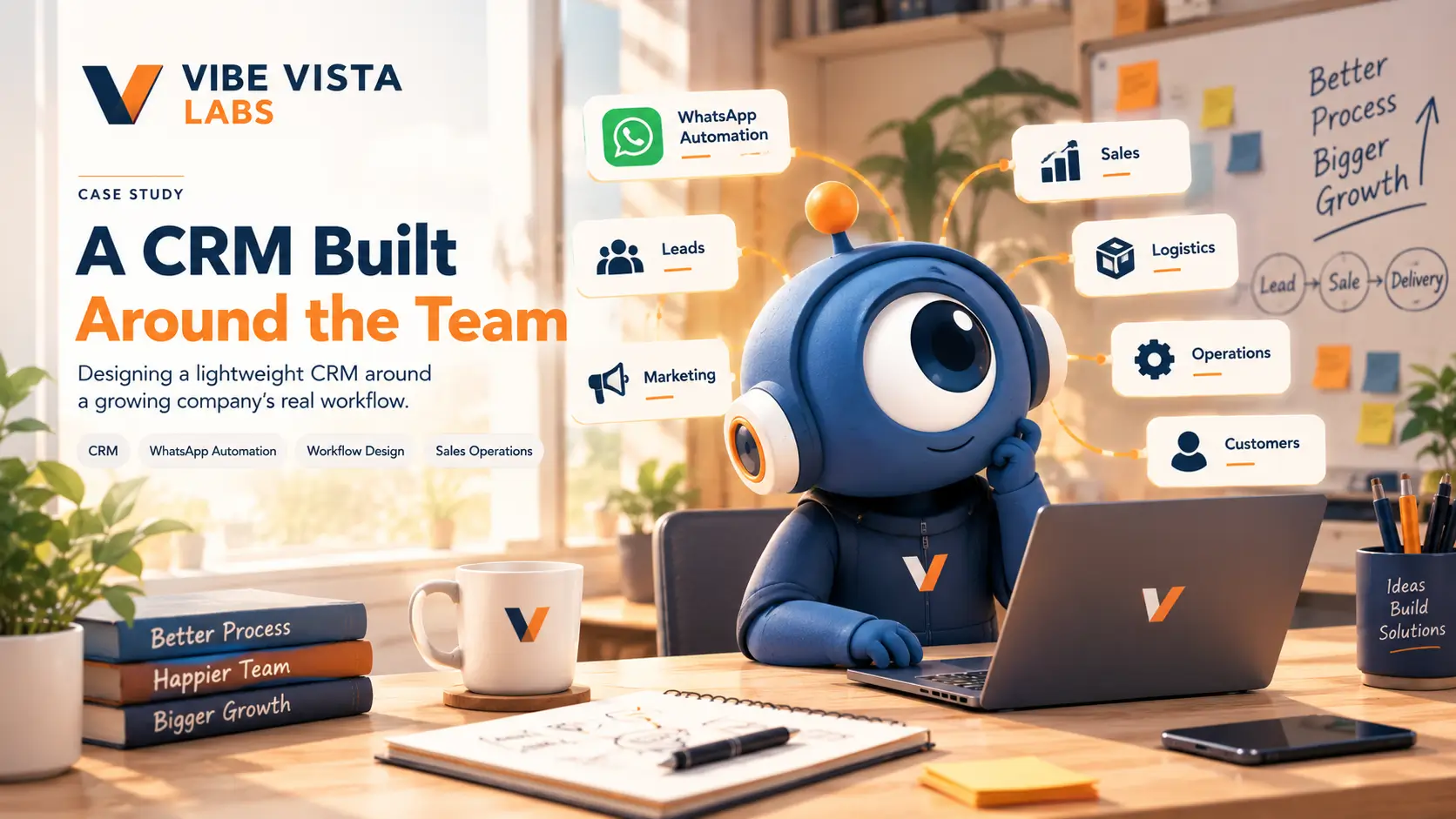
Designing a lightweight CRM around a growing company’s real workflow
Process Design · Custom CRM · WhatsApp Automation · Sales Operations · Workflow Automation
The Challenge
Growth was creating more work than the existing process could handle.
As a company moves from its early stage toward a more structured, growing operation, something interesting starts to happen.
The business grows.
More leads come in.
More campaigns are launched.
More people join the team.
More customer conversations happen.
More orders and service requests need to be tracked.
More follow-ups become necessary.
But the systems supporting all of this often don’t grow at the same speed.
A process that worked perfectly when the team was small can become difficult to manage when more people, departments and customers become involved.
Information starts living in different places.
A lead may begin with a marketing campaign.
Then move to a salesperson.
Then continue through WhatsApp.
Then become an order.
Then move to operations or logistics.
Then reach delivery.
Then return to sales or support for post-sale communication.
Every handoff creates an opportunity for something to be missed.
And that’s where the real challenge began.
The Problem Wasn’t “We Need a CRM”
The initial challenge could easily have been framed as:
“We need a CRM and some automation.”
But that wasn’t the real question.
The more important question was:
“How does the business actually work from the first customer interaction to the final delivery—and where are things getting lost along the way?”
Before deciding what technology to implement, we needed to understand the workflow.
Because adding software to a broken or unclear process doesn’t solve the underlying problem.
It can simply make the complicated process digital.
01 — Understanding the Complete Journey
We mapped the business from first touch to final delivery.
Instead of looking at sales, marketing, logistics and post-sales as separate systems, we looked at how they connected.
The journey could begin with:
Marketing Campaign
↓
Advertisement / Content
↓
Lead Generation
↓
Initial Conversation
↓
Lead Qualification
↓
Sales Follow-up
↓
Purchase / Order
↓
Operations
↓
Logistics / Fulfilment
↓
Delivery / Service Completion
↓
Post-Sales
↓
Repeat Business / Follow-up
This gave us a much clearer picture of where information was moving—and where it could potentially disappear.
02 — Finding the Gaps Between Departments
The biggest problems weren’t always inside a department.
They were often between departments.
Marketing might know where a lead came from.
Sales might know what the customer wanted.
Operations might know what needed to be delivered.
Logistics might know the current status.
But if those pieces of information aren’t connected properly, the business can still lose visibility.
We therefore looked at:
- How leads entered the business
- Where lead information was stored
- How sales teams followed up
- How conversations were handled
- When a lead became a customer
- How customer information moved to operations
- How order/service status was tracked
- Where handoffs occurred
- How post-sale communication happened
- Where manual work was being repeated
The objective wasn’t to automate everything.
It was to understand what actually needed to be connected.
03 — The WhatsApp Reality
The system had to work where people already worked.
One of the most important observations was simple:
WhatsApp was already a major part of everyday communication.
For many growing businesses, customer conversations don’t begin inside a sophisticated CRM.
They happen through conversations.
Questions.
Follow-ups.
Documents.
Order discussions.
Updates.
Reminders.
Internal coordination.
Trying to force every interaction into a completely separate system can create another problem:
the team stops using the system.
So instead of asking the team to abandon their existing communication habits, we explored how WhatsApp could become part of the operational workflow.
The goal was to make the technology fit the team—not make the team constantly adapt to the technology.
04 — Designing a Lightweight Micro CRM
We didn’t build a massive CRM.
We built around the company’s actual requirements.
The solution was designed as a lightweight, custom micro CRM focused on the workflows that mattered most.
Instead of paying for and implementing a huge collection of features that the team might never use, the approach was to identify the core information and actions required at each stage.
The system could be structured around things such as:
Leads
Who is the customer?
Where did they come from?
What are they interested in?
What is the current status?
Conversations
What has already been discussed?
What needs to happen next?
Who is responsible?
Sales
What stage is the opportunity in?
Has the customer been followed up?
What action is pending?
Operations
Has the requirement moved forward?
Who needs to act next?
What information needs to be shared?
Delivery / Service
What is the current status?
What has been completed?
What remains?
Post-Sales
Does the customer need another interaction?
Is there an opportunity for repeat business?
Does the team need to follow up?
The important part was not the number of screens.
It was the connection between them.
05 — From Conversations to Workflow
WhatsApp became more than a messaging channel.
The idea was to connect customer communication with operational processes.
For example:
Customer sends enquiry
↓
Conversation is captured
↓
Lead is created / updated
↓
Requirement is identified
↓
Team member is assigned
↓
Follow-up is triggered
↓
Customer progresses
↓
Order / service workflow begins
↓
Operations receives relevant information
↓
Status is updated
↓
Customer receives the appropriate communication
This reduces the need for people to repeatedly copy information between different systems.
It also creates a clearer trail of what happened.
06 — Custom Chatbot Flows
Automation was introduced where it actually made sense.
A chatbot wasn’t introduced simply because “chatbots are trending.”
The purpose was practical.
Some customer questions and interactions follow predictable patterns.
Instead of requiring a team member to manually handle every repetitive interaction, predefined conversational flows could handle appropriate parts of the journey.
For example:
Customer
“I want to know about your service.”
↓
Bot
“Sure. What are you looking for?”
↓
Option A — Product
Option B — Service
Option C — Existing Order
Option D — Talk to Someone
↓
The conversation moves into the appropriate workflow.
This creates a bridge between conversation and action.
And importantly, the system can still hand the conversation to a human when the situation requires it.
07 — Automation Without Disrupting the Team
The goal wasn’t maximum automation.
It was useful automation.
This distinction was important.
When a growing company suddenly introduces too many automated systems, employees can spend more time learning the system than doing their actual work.
That’s especially risky when the business is already resource-constrained.
So instead of attempting a complete transformation in one step, the approach was:
Start small.
Identify the repetitive work.
Automate the obvious parts.
Keep humans involved where judgement is required.
Measure how the team adapts.
Then expand.
08 — Building for a Growing Team
A system that works for five people shouldn’t become a problem at fifteen.
The CRM was therefore designed with growth in mind.
As the company grows, the number of:
- Leads
- Conversations
- Follow-ups
- Orders
- Employees
- Departments
- Customer interactions
can increase significantly.
A process that relies entirely on one experienced employee remembering everything becomes increasingly fragile.
The system therefore aimed to make important information more visible and processes more repeatable.
Instead of:
“Ask the person who knows.”
the goal becomes:
“Check the workflow.”
That small change can make a significant difference as a company grows.
09 — Reducing Operational Leakage
Small gaps can become expensive when repeated every day.
The project wasn’t only about saving administrative time.
It was also about reducing the places where business opportunities could disappear.
For example:
A lead isn’t followed up.
Potential customer lost.
A customer conversation isn’t passed to the right person.
Opportunity delayed.
An order update isn’t communicated.
Customer experience suffers.
A task depends on someone’s memory.
Process becomes unreliable.
Information exists only inside one person’s WhatsApp conversation.
Business knowledge becomes difficult to access.
The CRM and automation approach was designed to make these points more visible and manageable.
10 — Why We Didn’t Automate Everything
Because sometimes the smartest automation is knowing what not to automate.
Not every business process should become automated.
Some situations require:
- Human judgement
- Negotiation
- Relationship building
- Problem solving
- Customer understanding
- Exception handling
So the objective wasn’t:
“Remove humans from the process.”
It was:
“Remove unnecessary repetitive work so people can focus on work that actually requires them.”
That became one of the guiding principles behind the implementation.
11 — The Implementation Approach
Build gradually. Learn. Then expand.
Rather than attempting to replace every existing process at once, the system was designed to grow alongside the company.
PHASE 01 — Understand
Map the current business workflow.
PHASE 02 — Connect
Identify where information and teams need to communicate.
PHASE 03 — Simplify
Remove unnecessary steps and duplicated work.
PHASE 04 — Automate
Introduce automation around predictable tasks.
PHASE 05 — Adopt
Allow the team to become comfortable with the new workflow.
PHASE 06 — Expand
Add additional automation as the business becomes ready.
Understand → Connect → Simplify → Automate → Adopt → Expand
This gradual approach is especially useful for growing companies where business productivity cannot simply stop while a new system is being introduced.
12 — What We Built
The final solution brought together several pieces around one operational workflow.
Custom Micro CRM
A lightweight CRM designed around the company’s actual requirements rather than a generic feature list.
WhatsApp-Based Workflows
Using the communication channel already familiar to the team as part of the customer and operational journey.
Custom Chatbot Flows
Structured conversational journeys for predictable interactions.
Lead Management
Better visibility into where leads originated, what stage they were at and what needed to happen next.
Sales Follow-Up
A more structured way to manage pending actions and customer conversations.
Operational Handoffs
Connecting information between sales and the teams responsible for fulfilment or service delivery.
Gradual Automation
Introducing automation step by step instead of attempting a disruptive all-at-once transformation.
13 — The Result
A system designed around the business—not the other way around.
The biggest outcome wasn’t simply the introduction of a CRM.
It was the creation of a more connected workflow.
Instead of thinking about:
Marketing
Sales
Operations
Logistics
Post-Sales
as isolated activities, they could be considered parts of the same customer journey.
The solution created a foundation that could evolve as the company grew.
Less dependence on scattered information.
More visibility across the workflow.
More structured follow-ups.
Better connection between conversations and operations.
Automation where repetition made sense.
Human involvement where judgement mattered.
14 — The Bigger Lesson
Don’t buy a bigger system before understanding your smaller problems.
For a growing company, the instinct can be to purchase a large CRM, connect dozens of tools and automate everything immediately.
But technology isn’t automatically the answer.
A complicated system can create:
- More training
- More subscriptions
- More maintenance
- More resistance from employees
- More disconnected workflows
Sometimes a smaller, purpose-built system can be a better starting point.
The right question isn’t:
“Which CRM has the most features?”
It’s:
“What does our team actually need to do better?”
That change in perspective shaped this entire project.
15 — The Vibe Vista Labs Perspective
Technology should fit the way people work.
We don’t believe every company needs the biggest CRM.
Or the most complicated automation stack.
Or a hundred connected tools.
Sometimes the better solution is smaller.
More focused.
More practical.
And built around the people who actually use it.
That’s why we started with the workflow rather than the software.
We mapped the journey.
Found the gaps.
Connected the important pieces.
Introduced automation where it made sense.
And left room for the system to grow with the business.
Because the goal wasn’t simply to build a CRM.
The goal was to make the business easier to operate as it grew.
What This Project Represents
A CRM wasn’t the starting point.
The business workflow was.
Automation wasn’t the objective.
Better operations were.
WhatsApp wasn’t just a communication channel.
It became part of the workflow.
Technology wasn’t the solution by itself.
The right technology, applied to the right problem, was.
Let’s Make Something Work Better
Your business doesn’t necessarily need another complicated tool.
It may need a better way to connect what you already do.
If leads, customer conversations, sales, operations or follow-ups are becoming difficult to manage as your company grows, let’s understand the workflow first.
We see possibilities and help make them happen.
Vibe Vista Labs
Creative Technology Lab